

What gets added
| Source | What it provides |
|---|---|
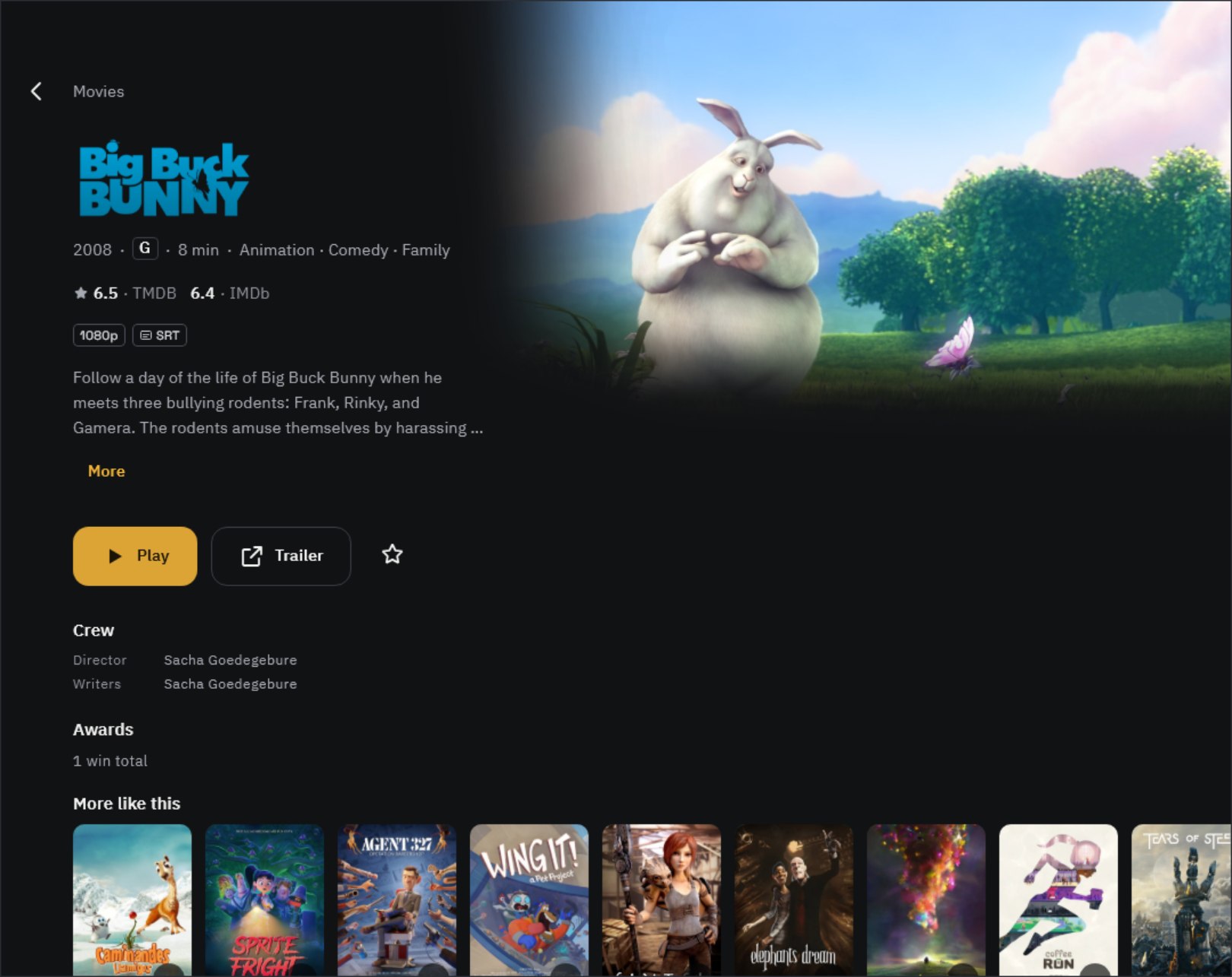
| TMDB | Movies, TV shows and people; posters, backdrops and title logos; synopses, cast, genres, age ratings and similar titles |
| TVmaze | TV shows, seasons and episodes (air dates, episode titles, synopses, stills) and cast |
- Info is fetched once when you add videos to the library and saved on this device. With many titles it can take a few minutes.
- Lookups send only the title and year read from the file name, plus the app language. Watch history and file paths are never sent.
- Posters and synopses come in the app language. If you change it in Settings › Language, only titles missing that language are fetched again.
Using several devices
- Videos from an Oulim PC use the title info set on the PC as is. Changes made on the PC show up on all your devices.
When the info is wrong
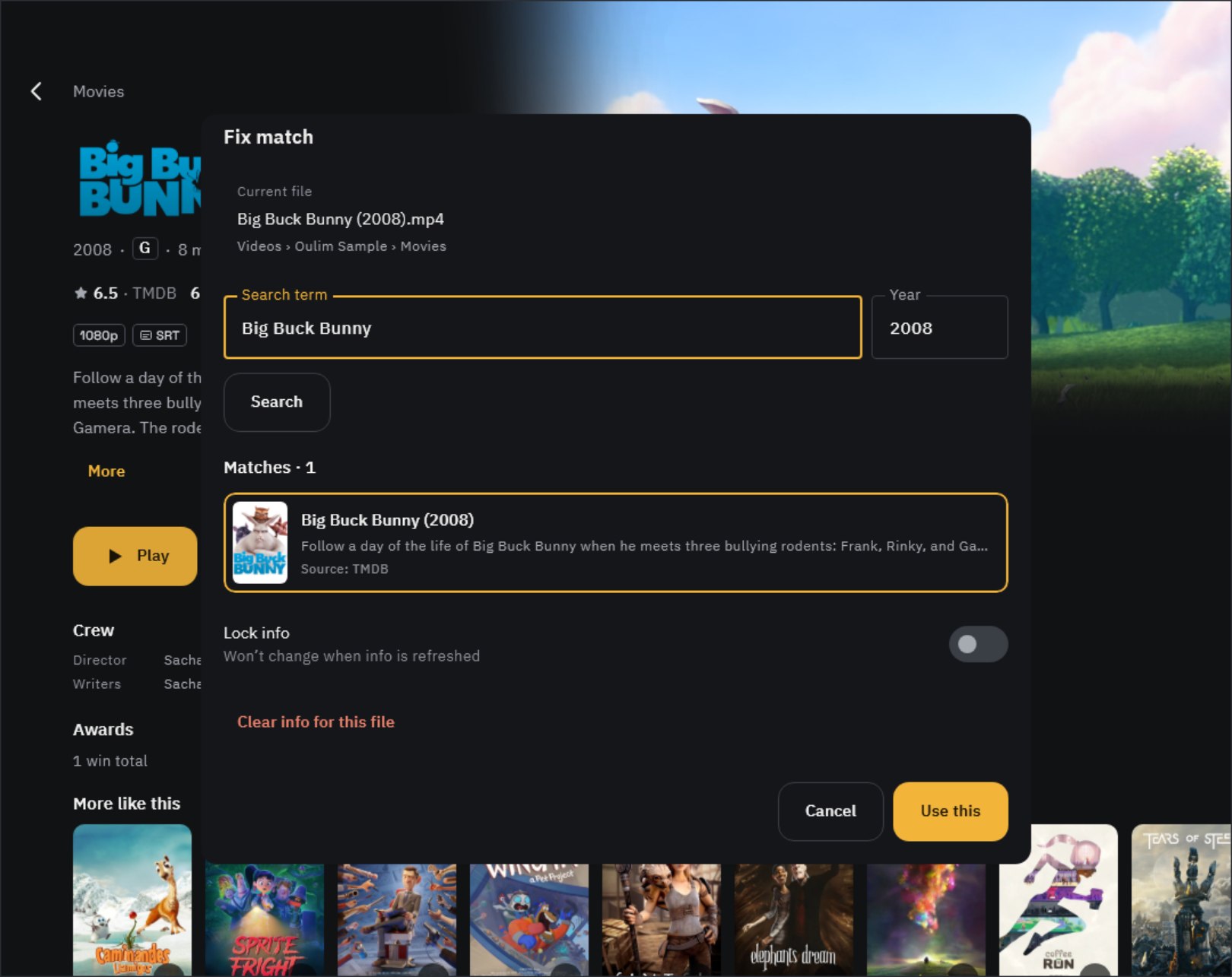
- At the bottom of the detail page, under Wrong info?, tap Fix match.
- Adjust the Search term and Year, pick the right one from Matches, and tap Use this.
- Turn on Lock info so it won’t change on later refreshes. To remove wrong info entirely, use Clear info for this file.
Tip If you fix a video from your PC on a phone or TV, a change request goes to the PC. Approve it in the PC’s Notifications and it’s applied on all your devices.
To get titles recognized right from the start, name your files ‘Title (Year)’. See ‘Organizing your files and folders’ for the full rules.
Credits

Title info is provided by TMDB and TVmaze. Oulim uses the TMDB API but is not endorsed or certified by TMDB. You can also find these credits in the app under About & Pro.